See what’s inside
These screenshots are from our Roofing Contractor app with a made-up sample business. Every trade gets the same features in its own words — a salon sees “stylists” and “appointments”, a contractor sees “crews” and “jobs”. Click any picture to see it bigger.
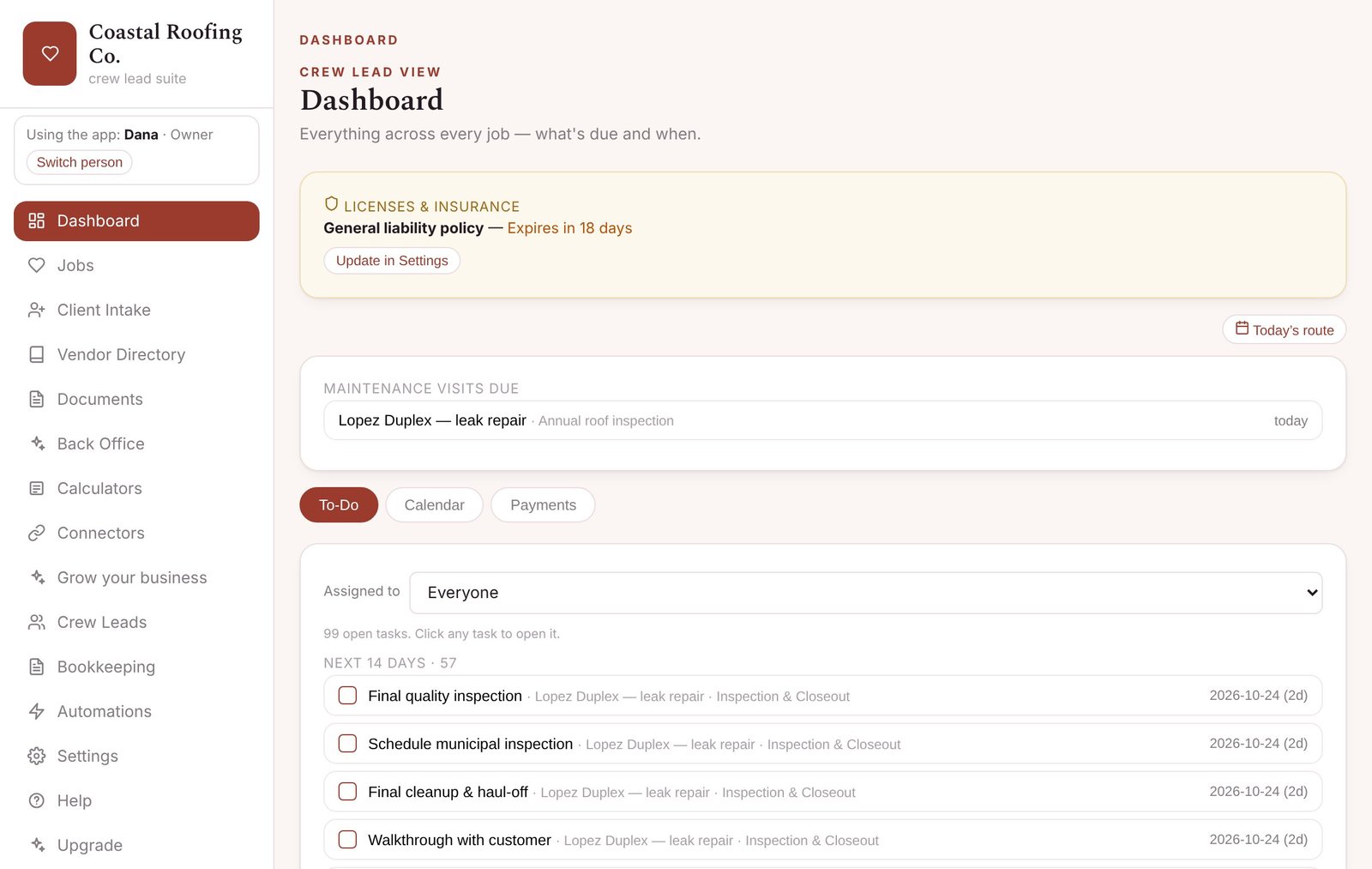
Everything due, in one place
Open the app and see what needs doing today: tasks across every job, payments coming due, maintenance visits, and a warning before your license or insurance runs out.
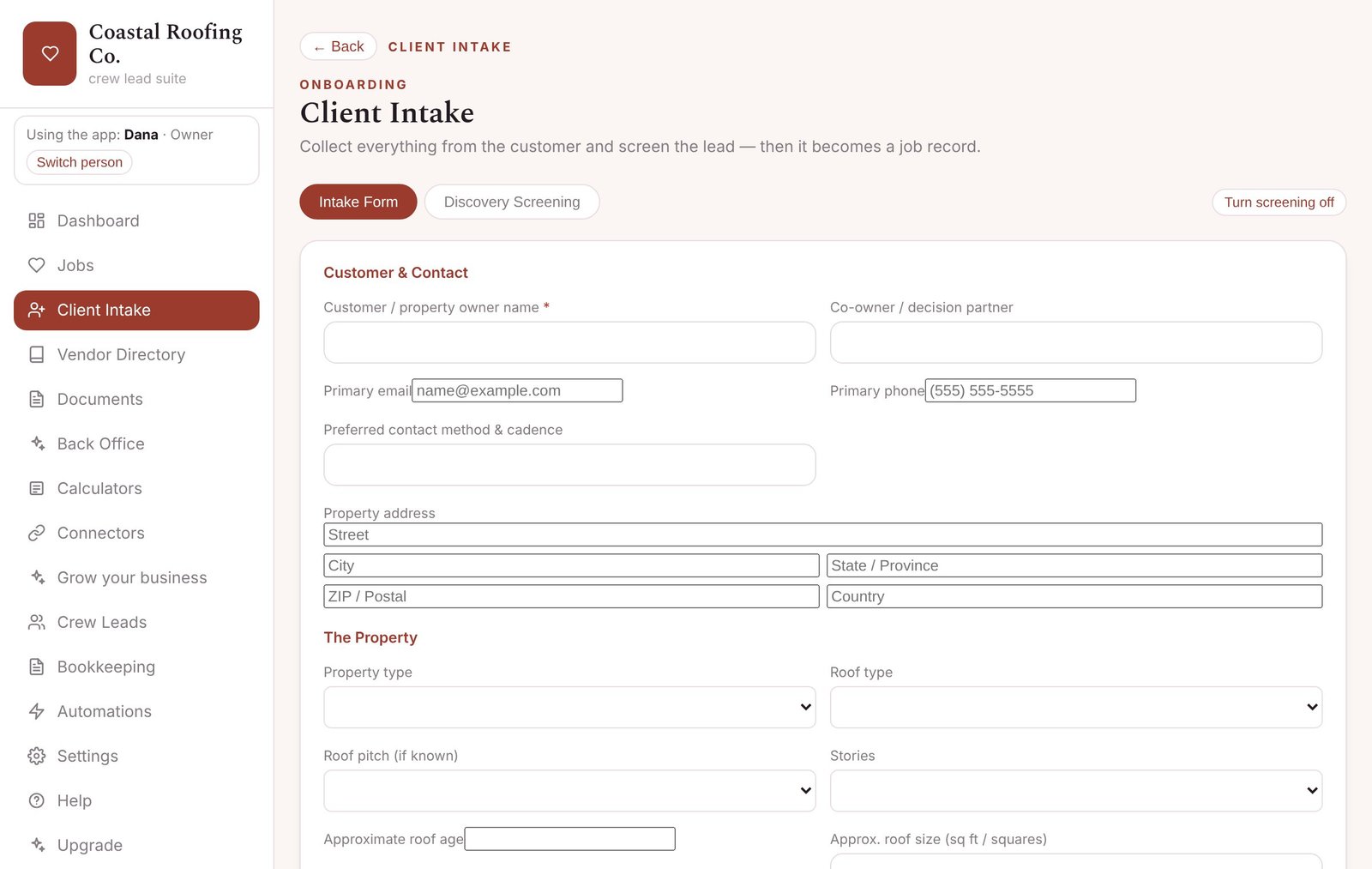
New customer in one form
A short form built for your trade. Save it and it becomes a job record with the customer’s phone, email and address — plus a quick screening that flags risky customers.
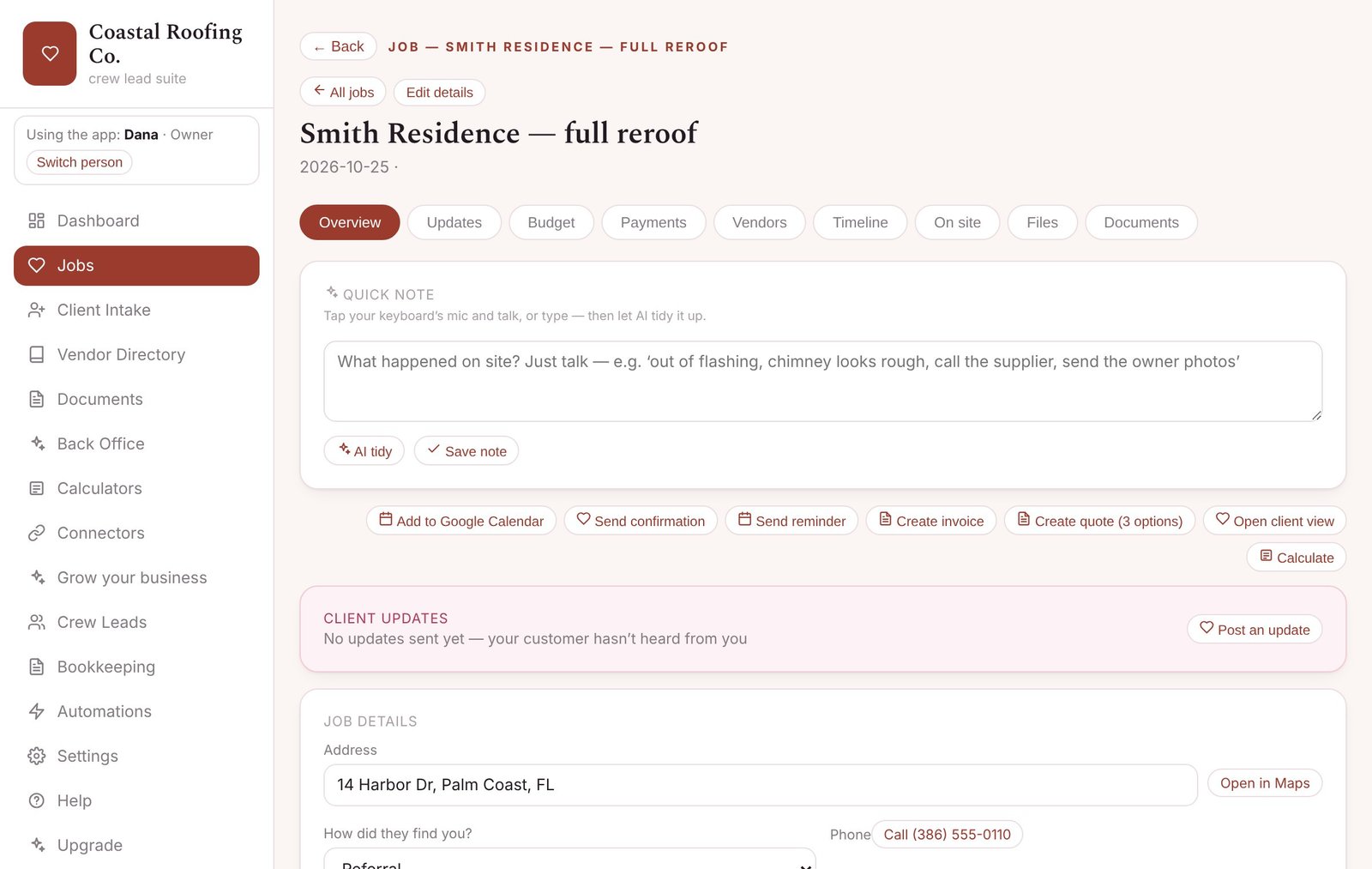
Every job, organized
Address with one-tap Open in Maps, how they found you, updates, budget, payments, files and paperwork for that job — all on one page.
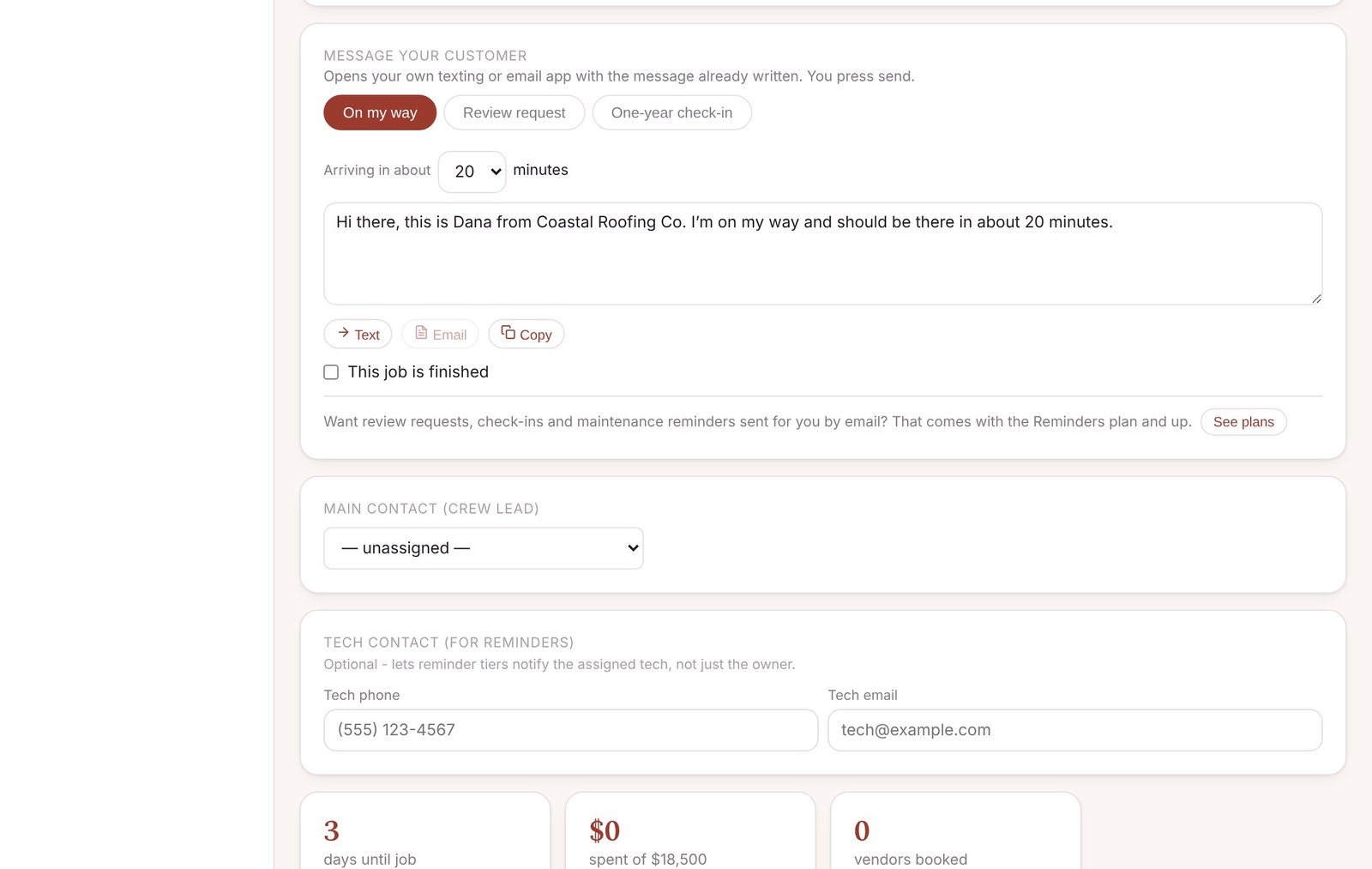
Keep your customers in the loop
One tap writes the message for you: “on my way”, a review request, a one-year check-in or a maintenance reminder. It opens your own texting or email app, so you press send. On a paid plan, review requests, check-ins and maintenance reminders can go out by email automatically, only to customers who said yes.
On the job site
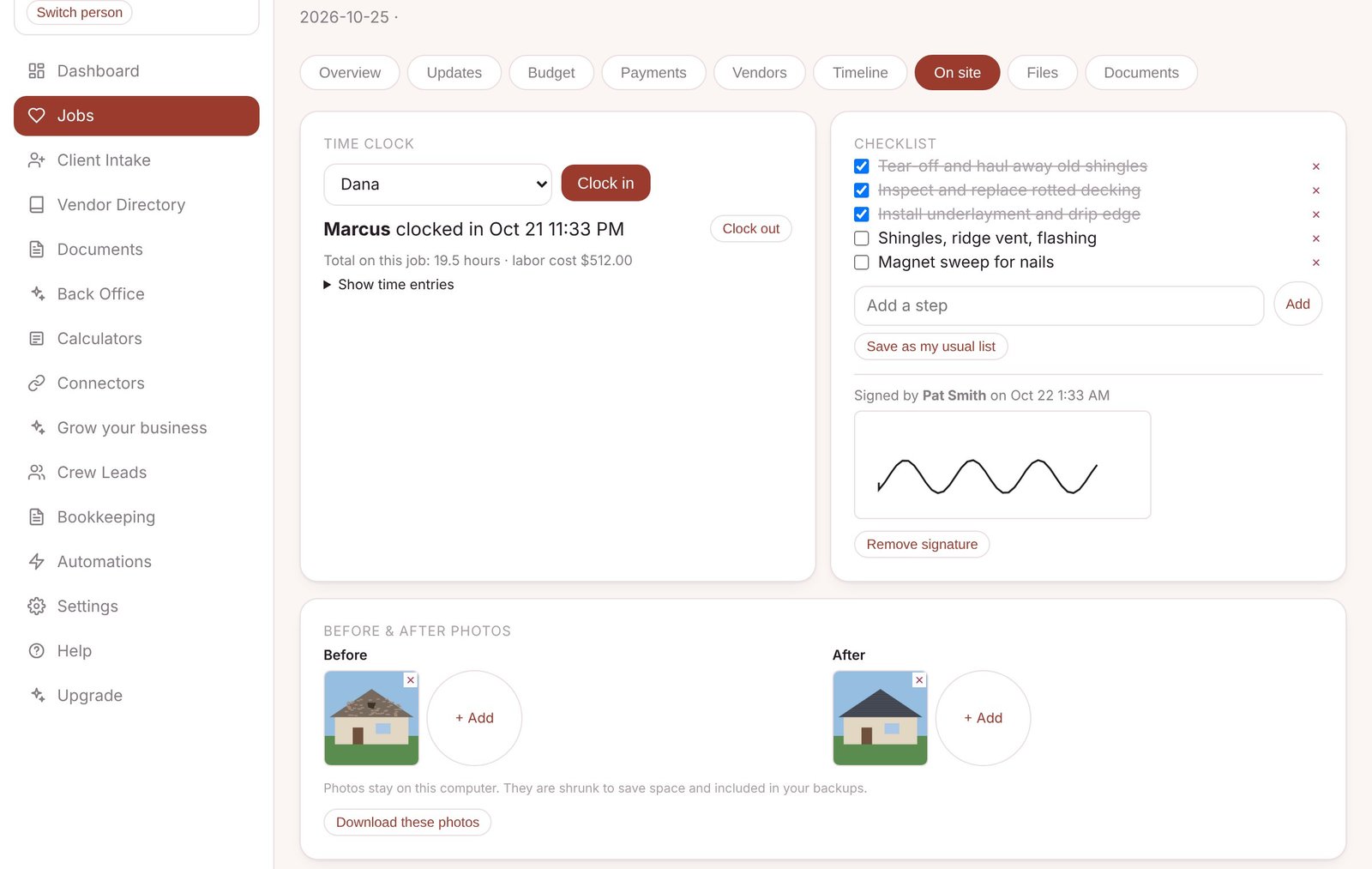
Your team clocks in and out on the job. Tick off a checklist and have the customer sign on the screen. Add before-and-after photos. All saved on your computer.
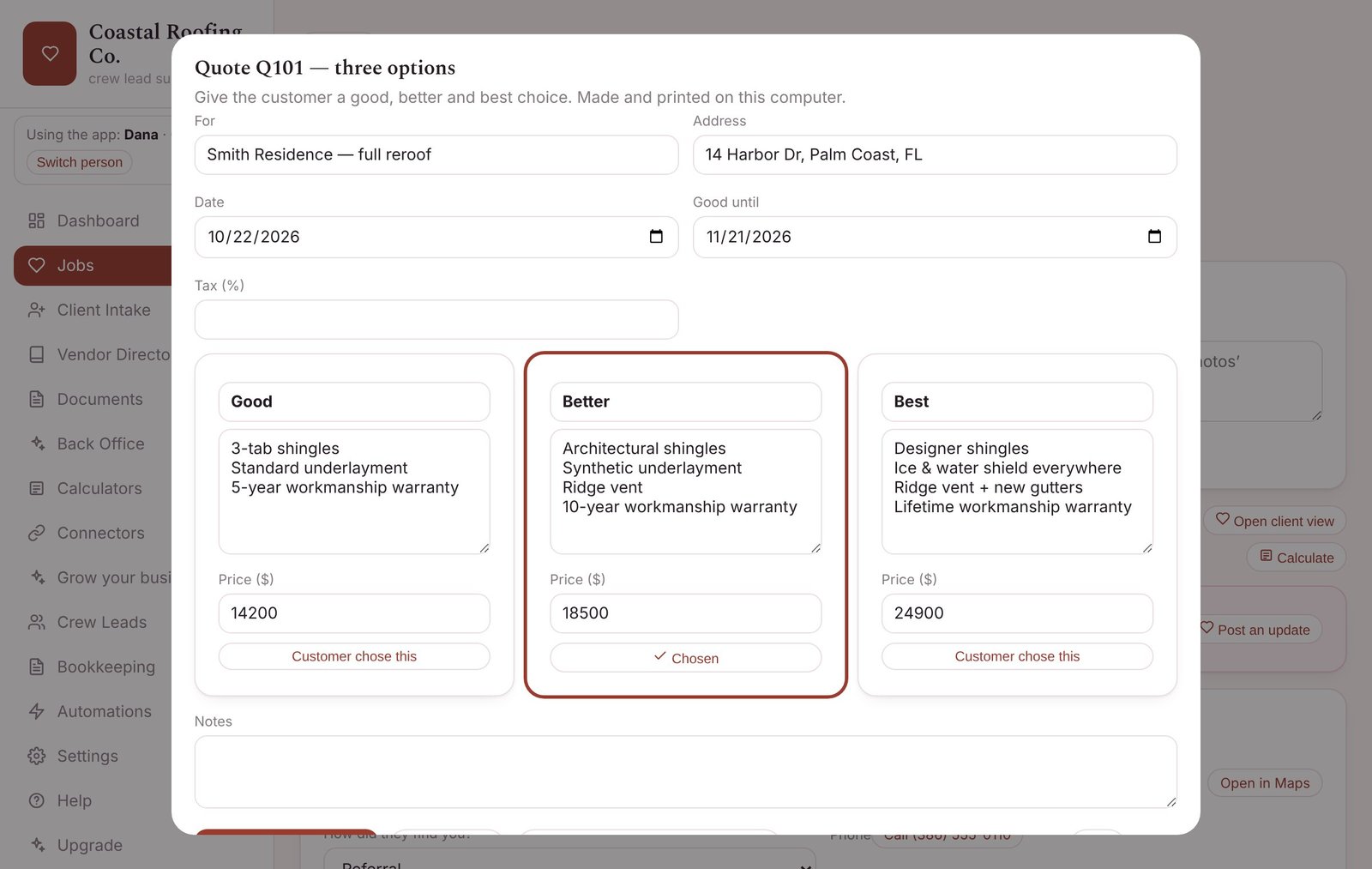
Good, better, best quotes
Give customers three options on one page. Print it or save it as a PDF. When they choose, turn it into an invoice with one click.
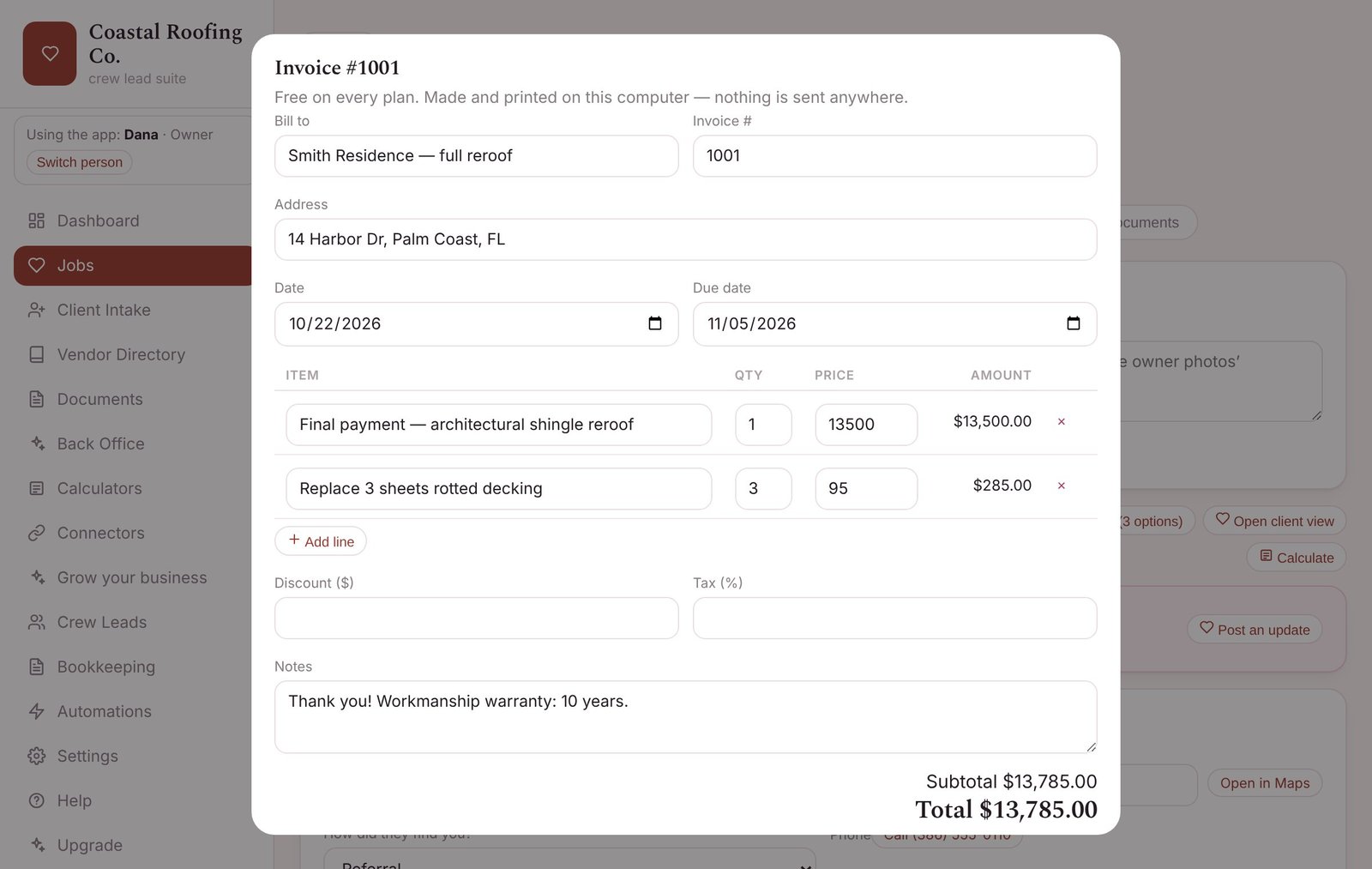
Invoices you can print
Make an invoice from a job, add tax and a discount, and print or save it as a PDF. Add your own payment link so customers can pay you online — the money goes straight to you.
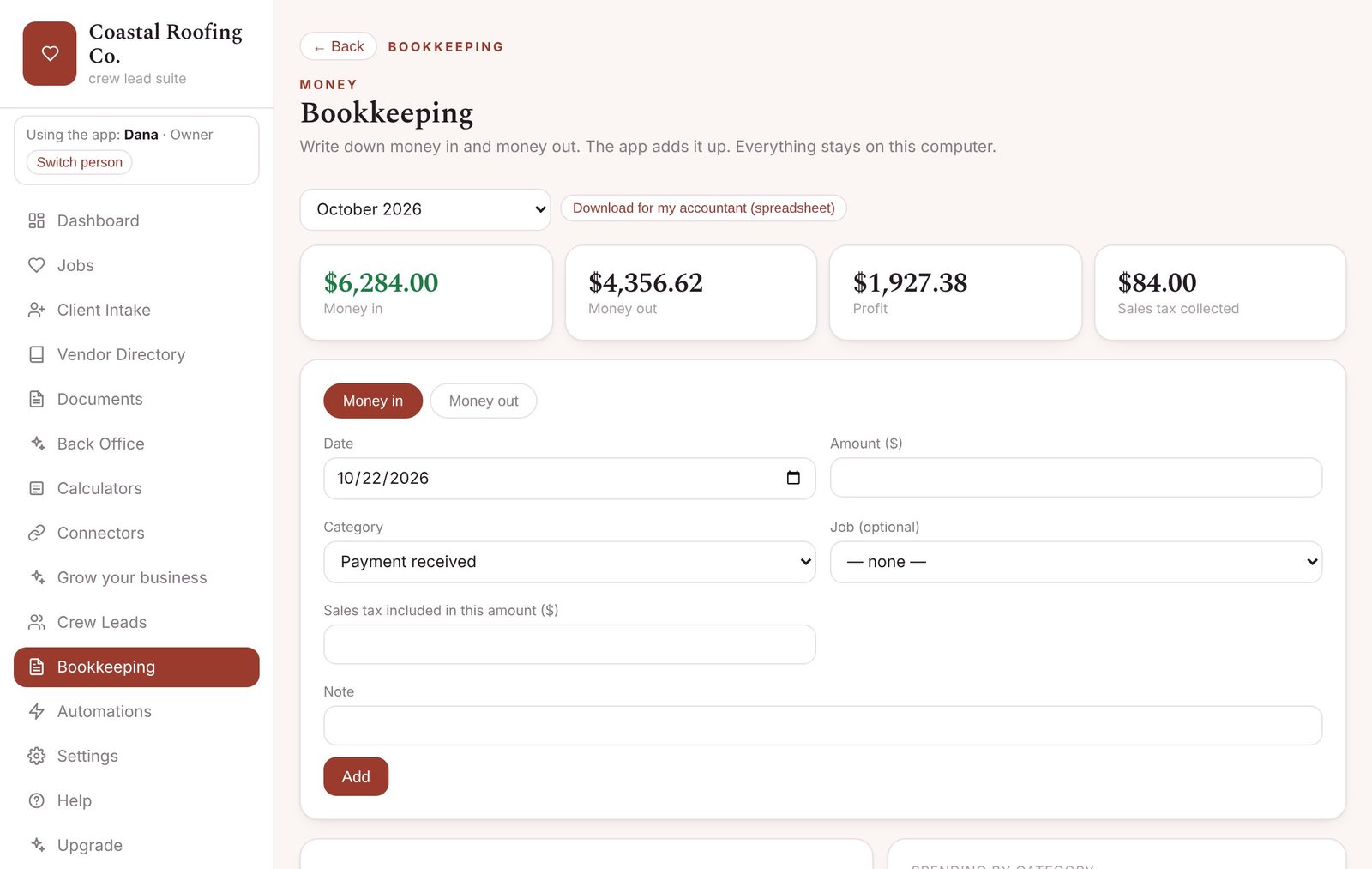
Bookkeeping basics
Write down money in and money out. See profit and sales tax collected by month, and download a spreadsheet for your accountant. (Not tax advice; no payroll or tax filing.)
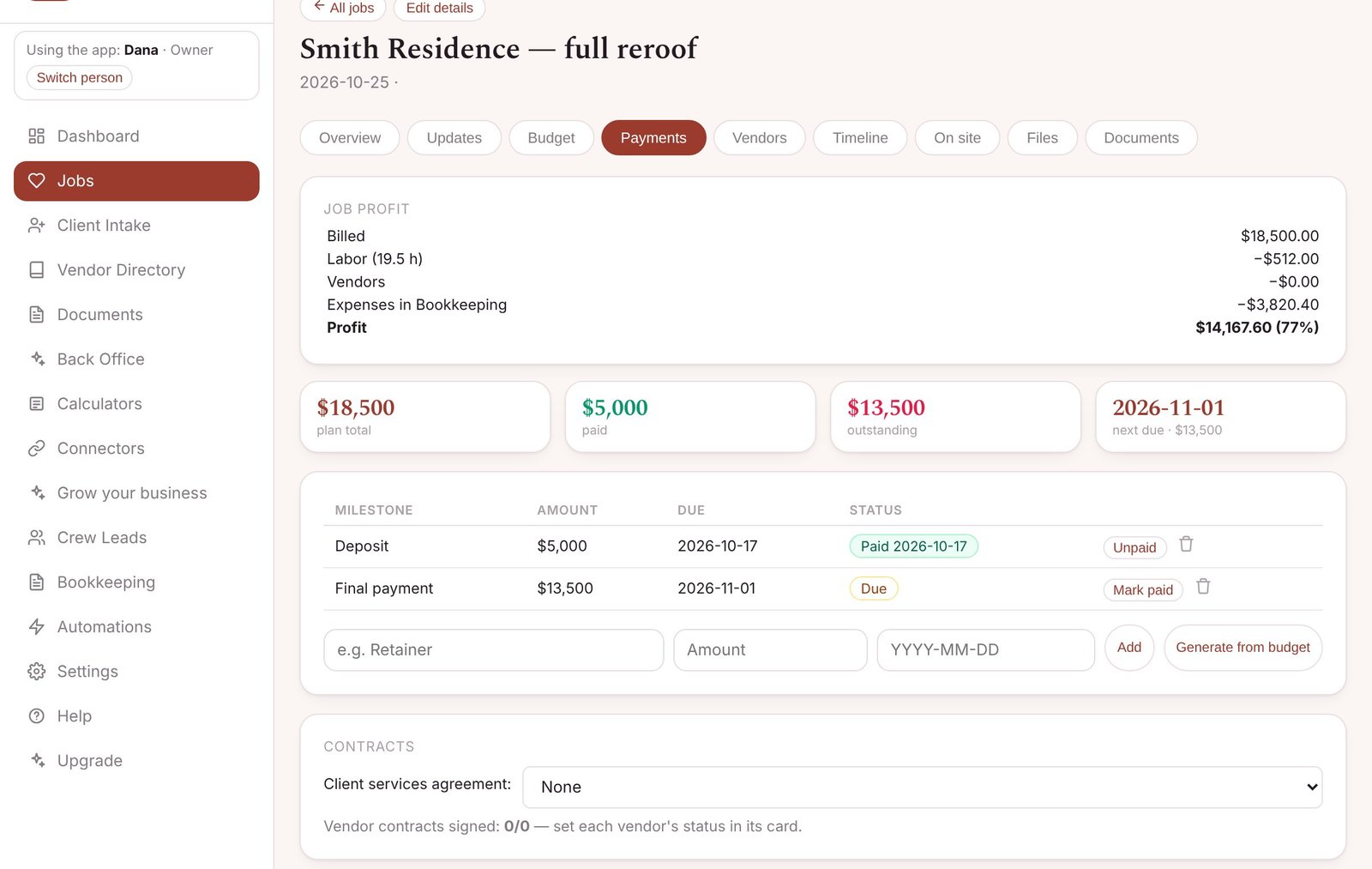
Know what each job made
What you billed, minus labor, materials and expenses — so you know which jobs are worth it.
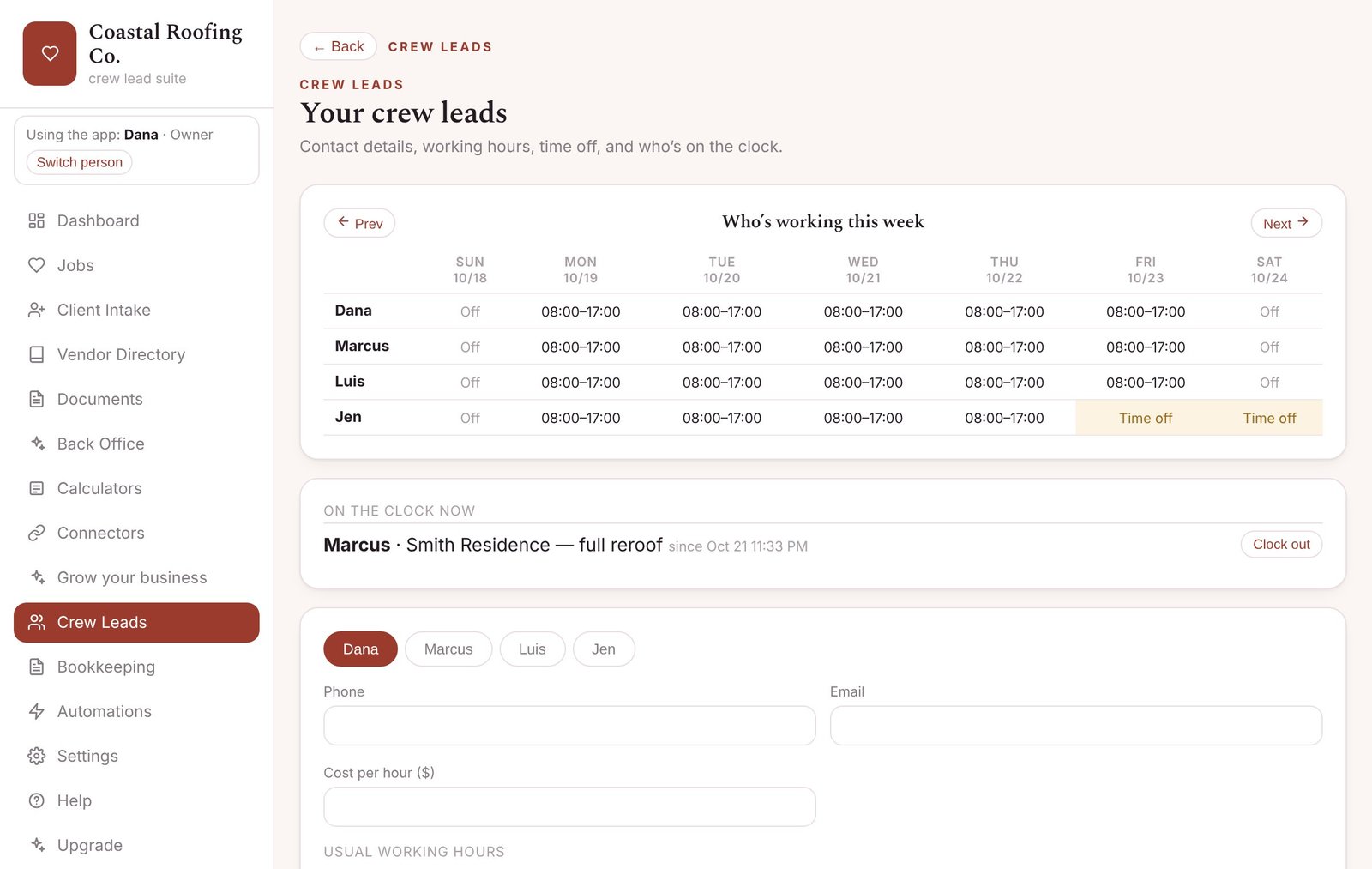
Your team’s week
Who’s working which days, phone and email for everyone, time off, and who’s on the clock right now.
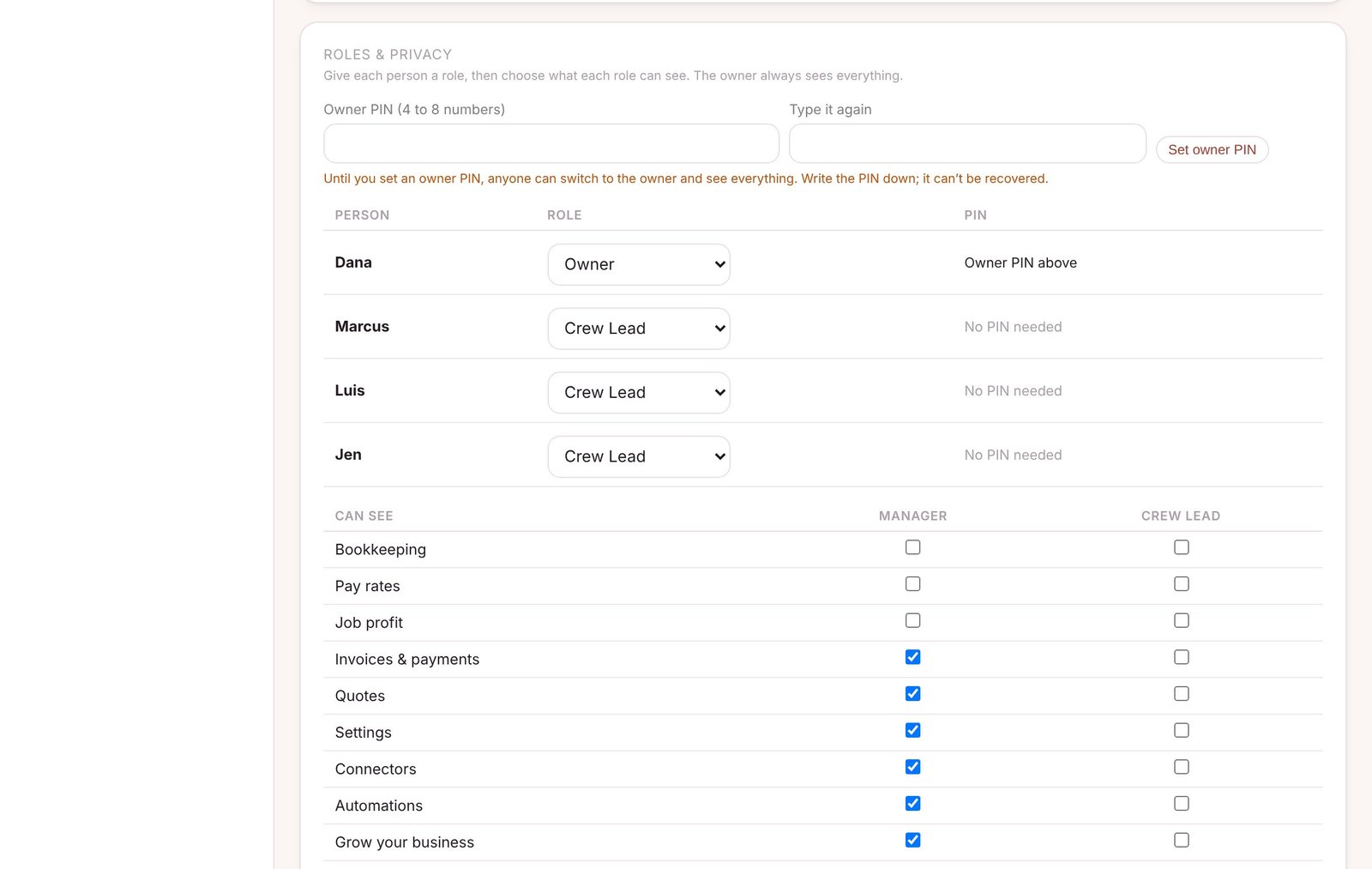
Owners see everything. Employees see their work.
Give each person a role. Pay rates, profit and bookkeeping stay private behind the owner’s PIN, and you choose what each role can see.
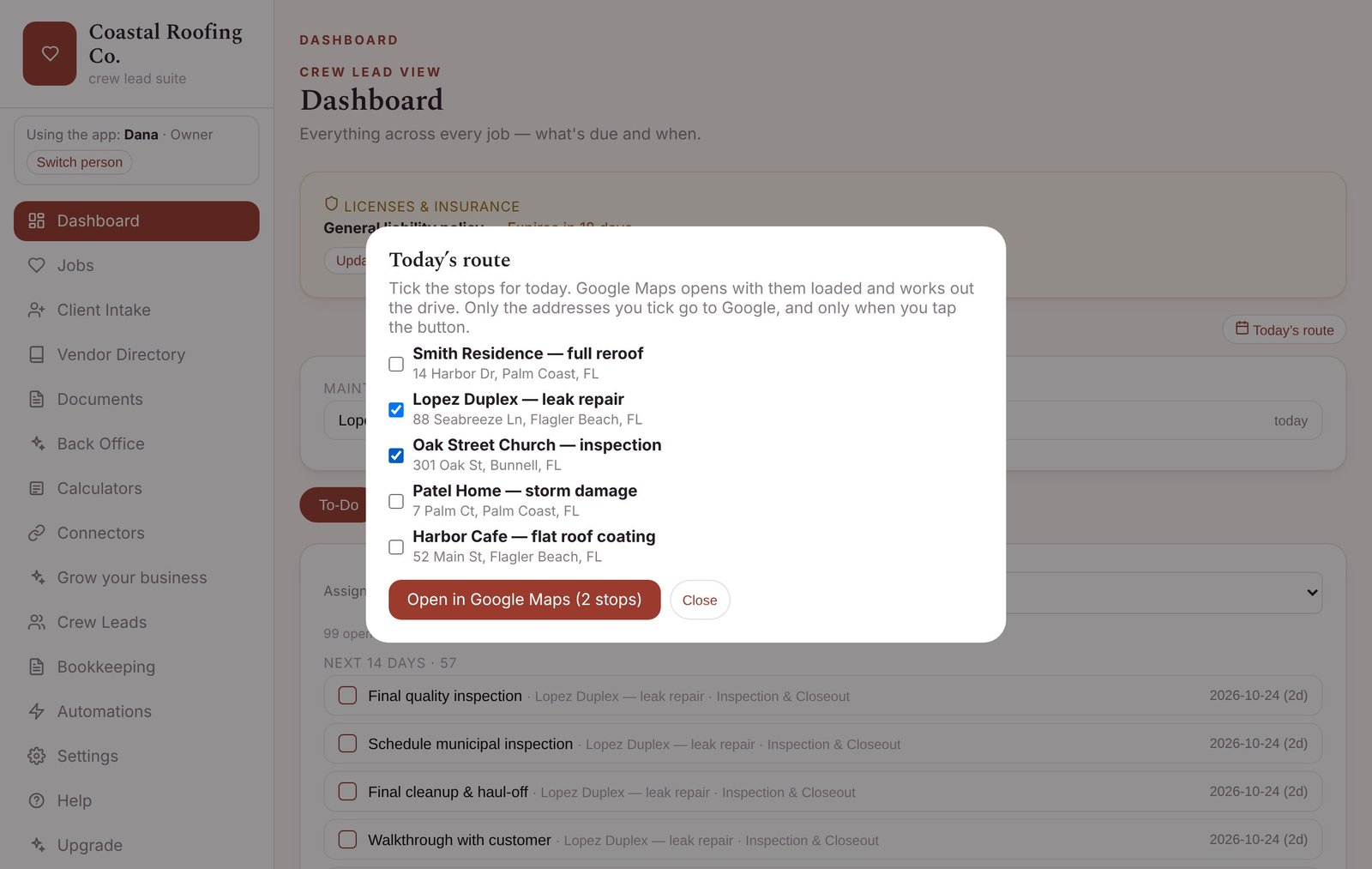
Today’s route
Tick today’s stops and open them all in Google Maps at once.
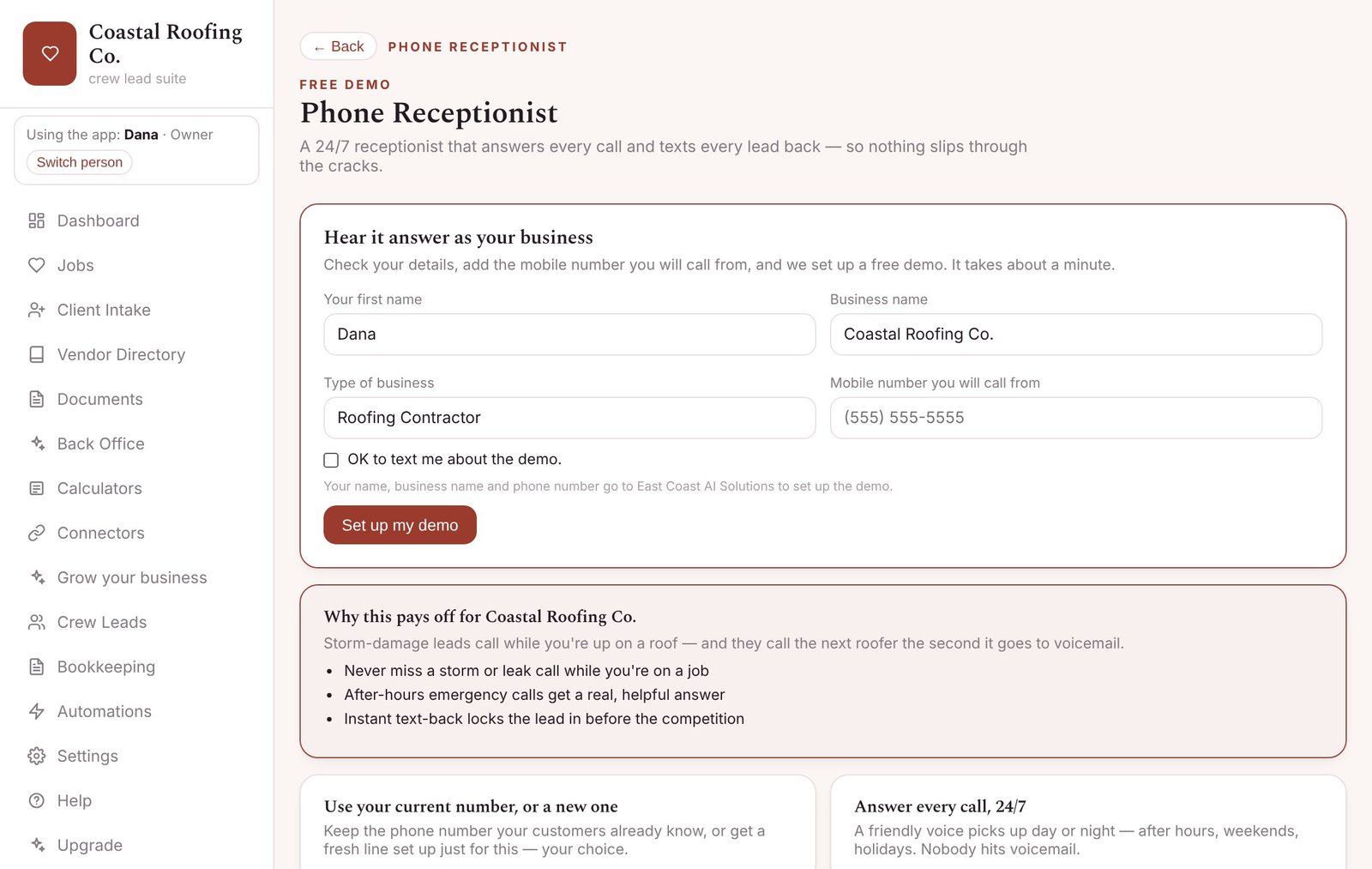
Calendar
Jobs, milestones, maintenance visits, time off and license expirations on one calendar.
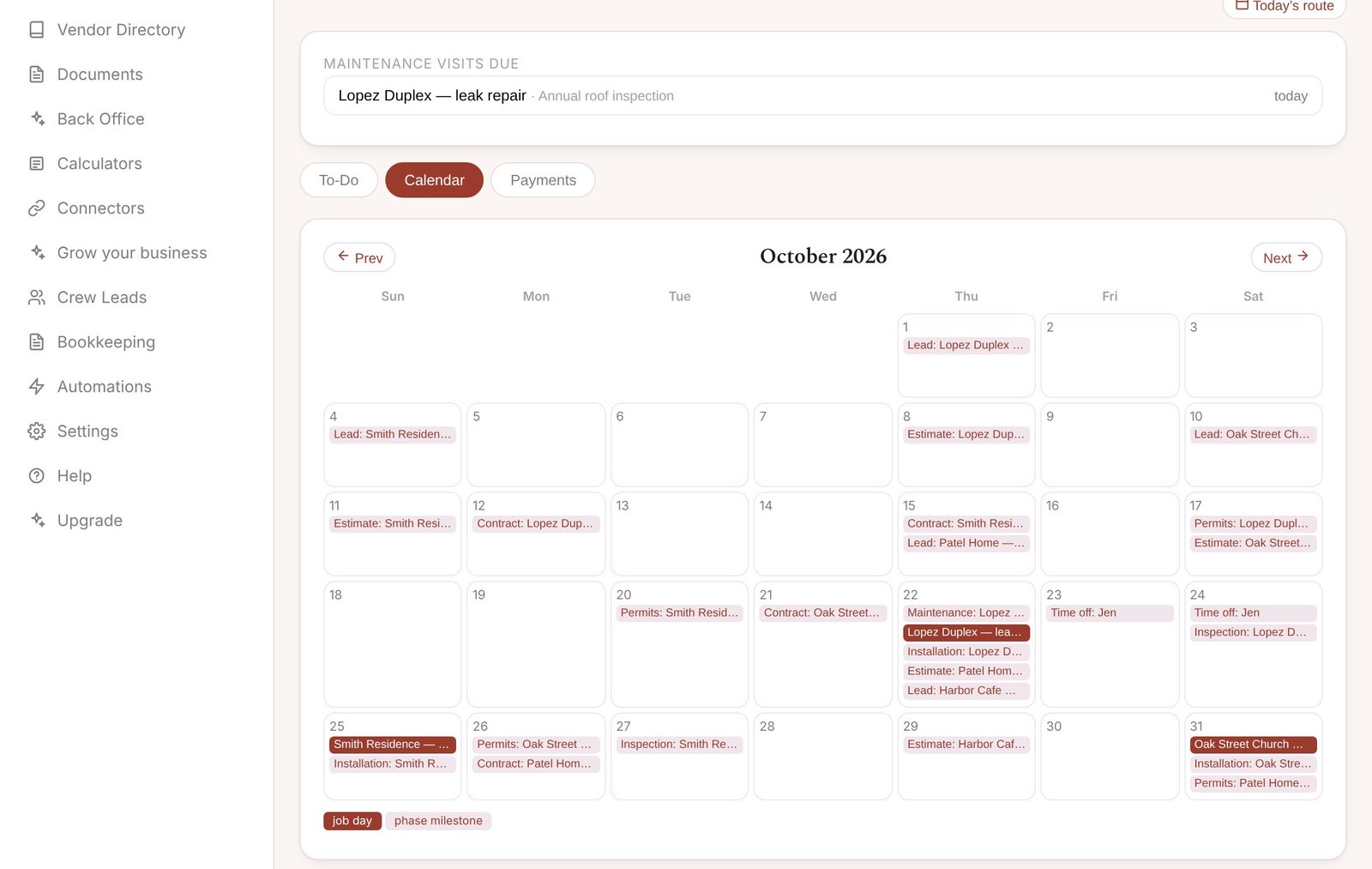
Paperwork for your trade
Contracts, work orders and forms written for your trade, filled in from the job.
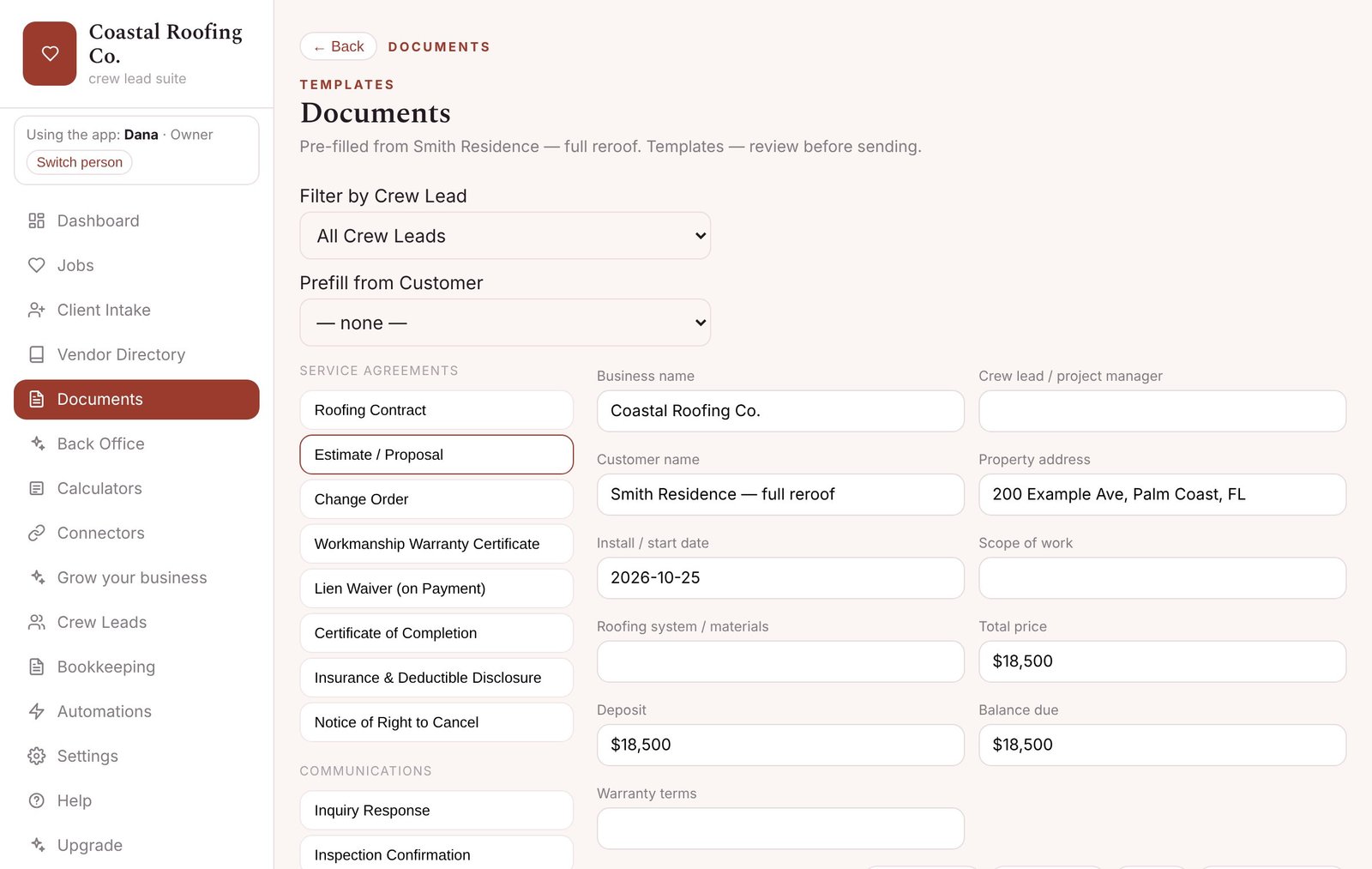
Calculators for your trade
Pricing, deposits, margins and trade-specific calculators — right inside the app.
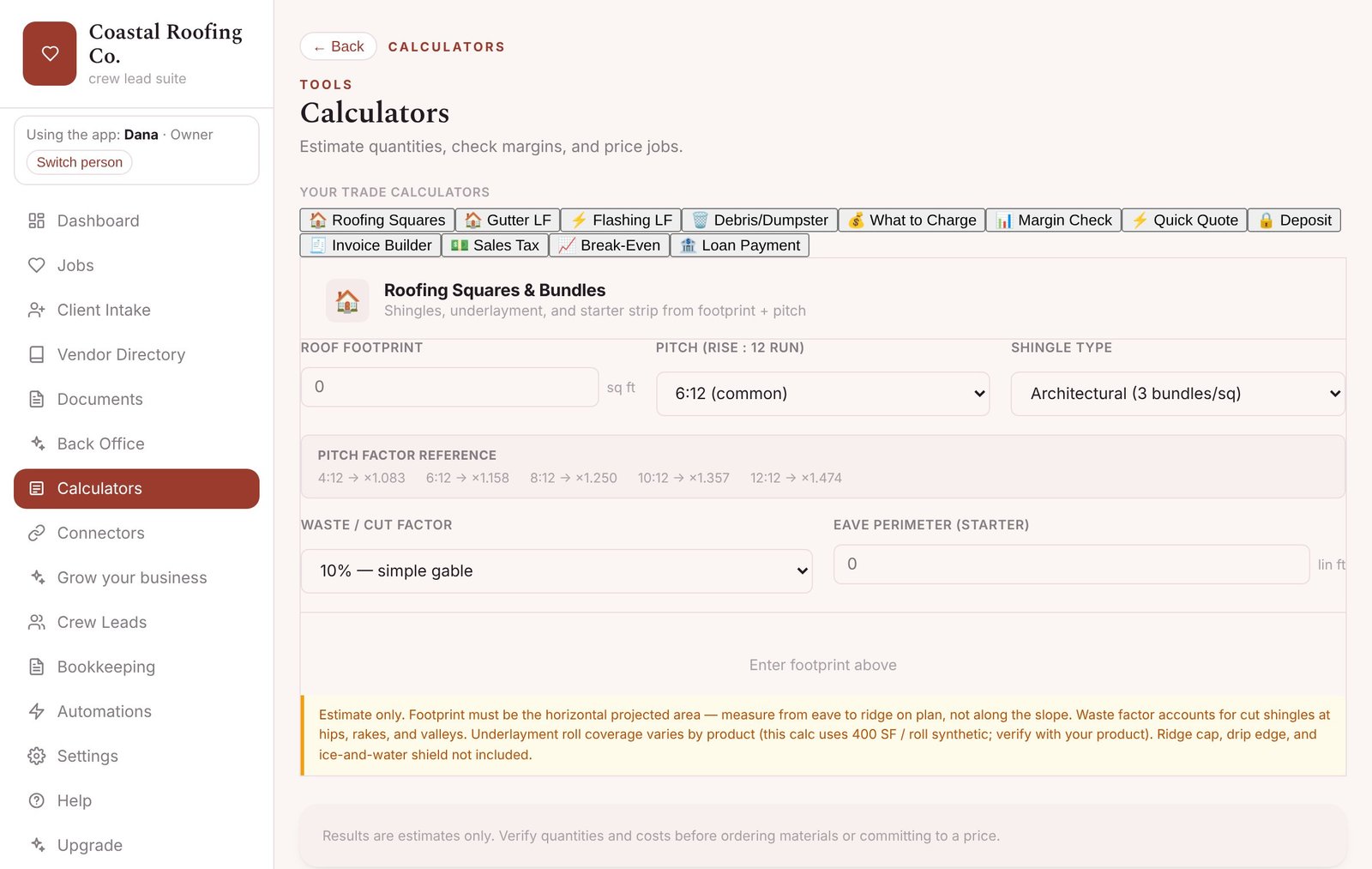
Try an AI receptionist on your own phone
Set up a free demo in a minute and hear it answer as your business. The full service is sold separately by East Coast AI Solutions.
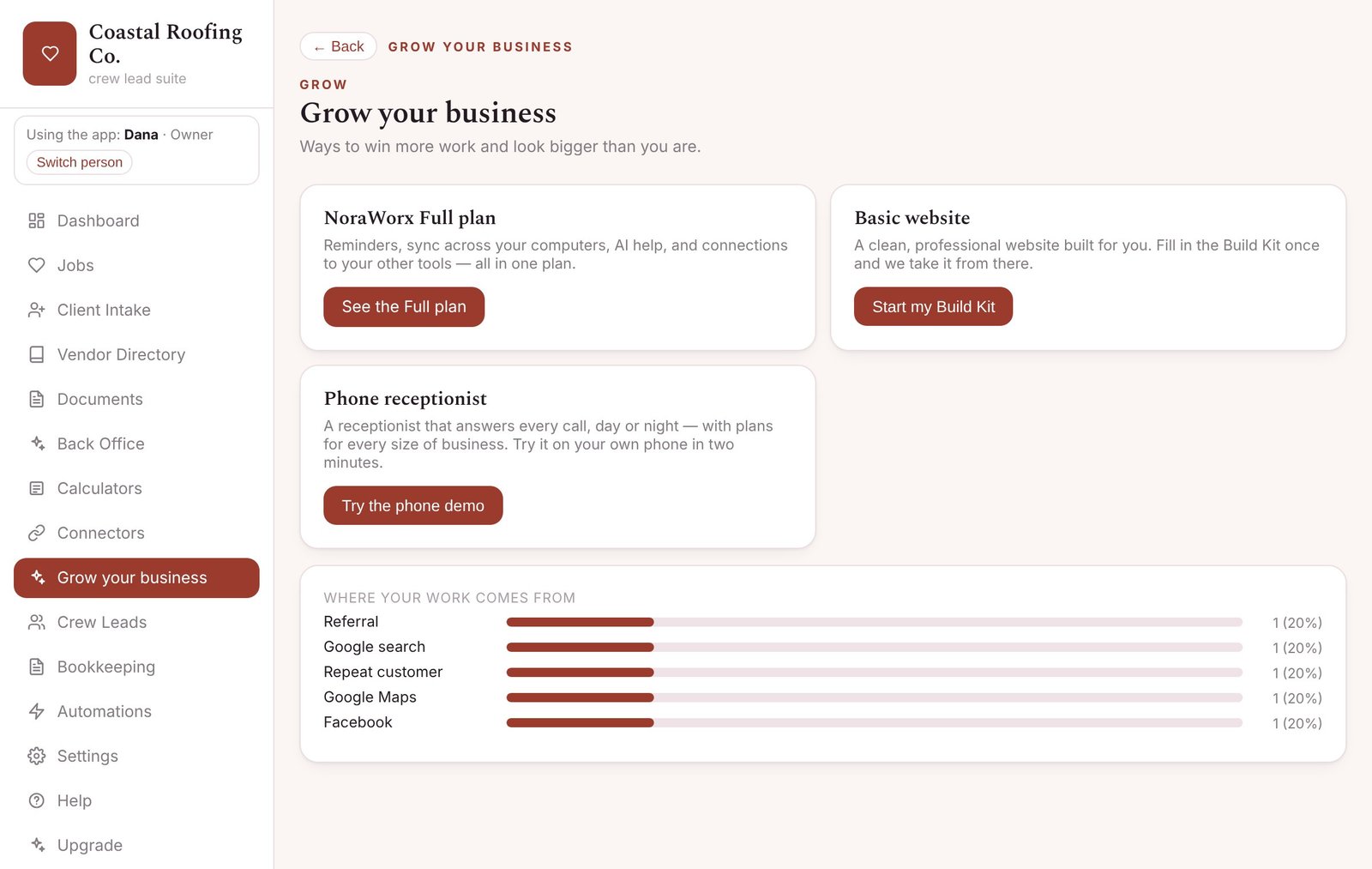
Grow your business
A website built for you from a simple Build Kit, a phone receptionist, and the Full plan — when you’re ready.
Free, and three paid plans
The free app is yours to keep and works without an account. Paid plans are optional. They add things that need our servers, so with a paid plan some of your information leaves your computer. Without one, nothing does.
| Free $0 | Reminders $9.99 / month | Sync $19.99 / month | Full $39.99 / month | |
|---|---|---|---|---|
| Everything in the free app (all the features above) | ✓ | ✓ | ✓ | ✓ |
| Email reminders before appointments, to you and your team | — | ✓ | ✓ | ✓ |
| A copy of your job records kept on our servers | — | ✓ | ✓ | ✓ |
| Same app and information on more than one computer | — | — | ✓ | ✓ |
| AI help writing documents and messages | — | — | 20 a month | 600 a month |
| Automatic review requests, one-year check-ins and maintenance reminders by email | — | ✓ | ✓ | ✓ |
| Automatic emails to your customers when a job changes | — | — | — | ✓ |
| Online quote approval: your customer picks an option and approves on a web page | — | — | — | ✓ |
| Online booking page: customers request a time, you confirm | — | — | — | ✓ |
| Connect to your other tools (Zapier and webhooks) | — | — | — | ✓ |
Try the Sync plan free for 30 days, no card needed. When the trial ends, the app keeps working and everything stays on your computer. See why the app is free.
What’s in the free app
- Jobs and customers, with address and Open in Maps
- Customer intake form with a quick risk check
- Calendar and tasks
- Documents and paperwork for each job
- Calculators for your trade
- Vendor and supplier list
- Invoices: print or save as PDF, add your own payment link
- Good, better, best quotes
- Bookkeeping basics and a spreadsheet for your accountant
- Profit for each job
- Team list, weekly availability and time clock
- Checklists and customer signature on screen
- Before-and-after photos, with Download all photos
- Maintenance plans and visits due
- Today’s route in Google Maps
- License and insurance expiry warnings
- Roles and privacy: owner, manager and team PINs; hide pay rates and money from staff
- Save a backup and restore
- Message buttons: On my way, review request, check-ins (sent from your own phone or email)
- Send tomorrow’s schedule to your team
- Free phone receptionist demo
- Website Build Kit
What we’re building next
These aren’t in the app yet. Some will be free and some will be part of a paid plan. We’ll post updates here, and the app tells you when a new version is ready.
A Pay button on your invoices through your own Stripe, Square or PayPal account.
Send invoices and payments to QuickBooks.
Your jobs and appointments on your phone’s calendar.
Send paperwork for a legal e-signature.
Reminders, review requests and “on my way” texts sent automatically from your own business texting number.
If you miss a call, the caller gets a text right away.
The phone receptionist looks up jobs and books appointments.
Take a photo of a card and the contact is filled in for you.
Find local suppliers from inside the app.
Ready-made posts and a short video for your business.
Help writing a plan for your business.